






Pulse — AI chat, code & live preview
Your idea. Your AI. A working preview.
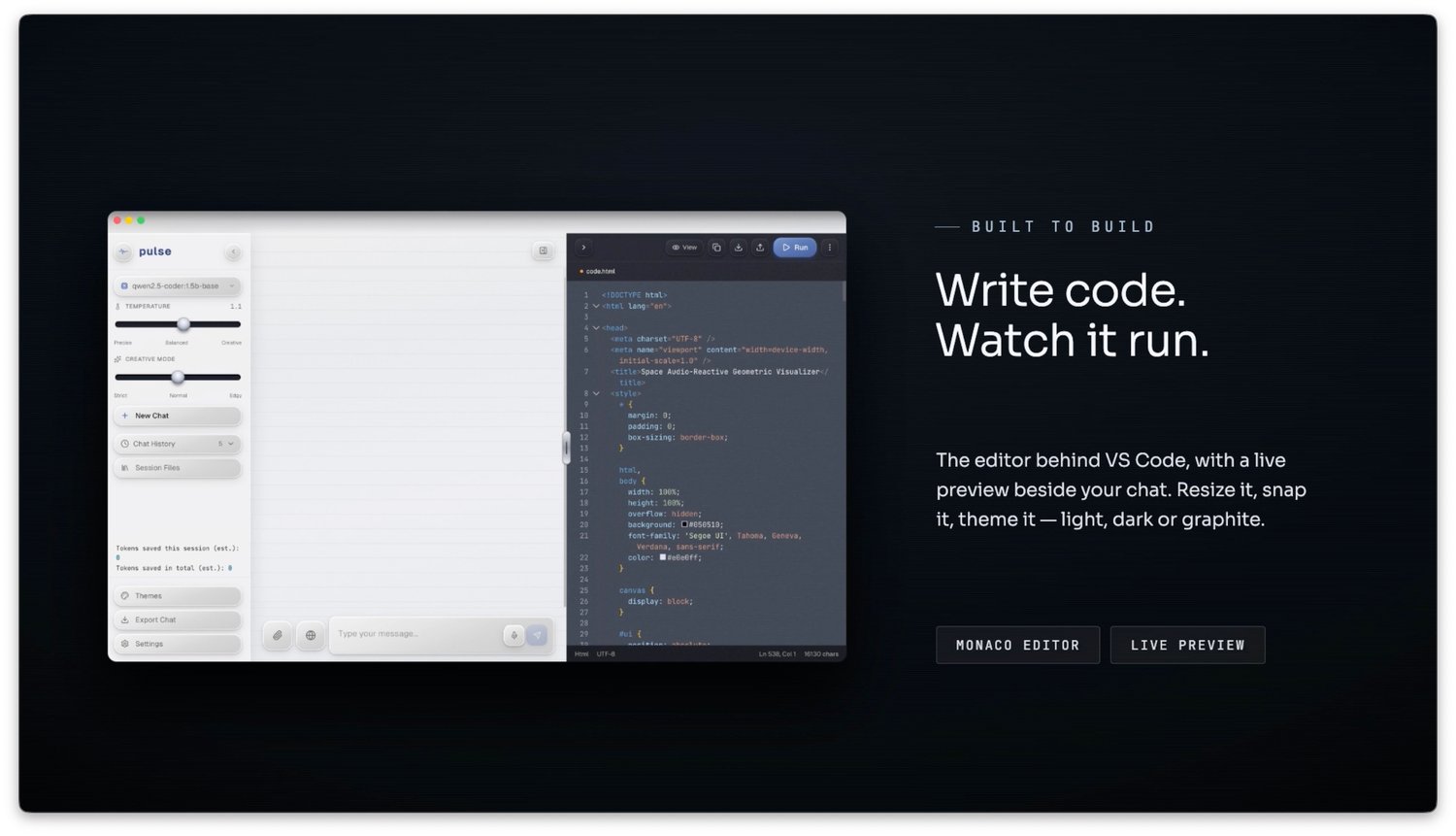
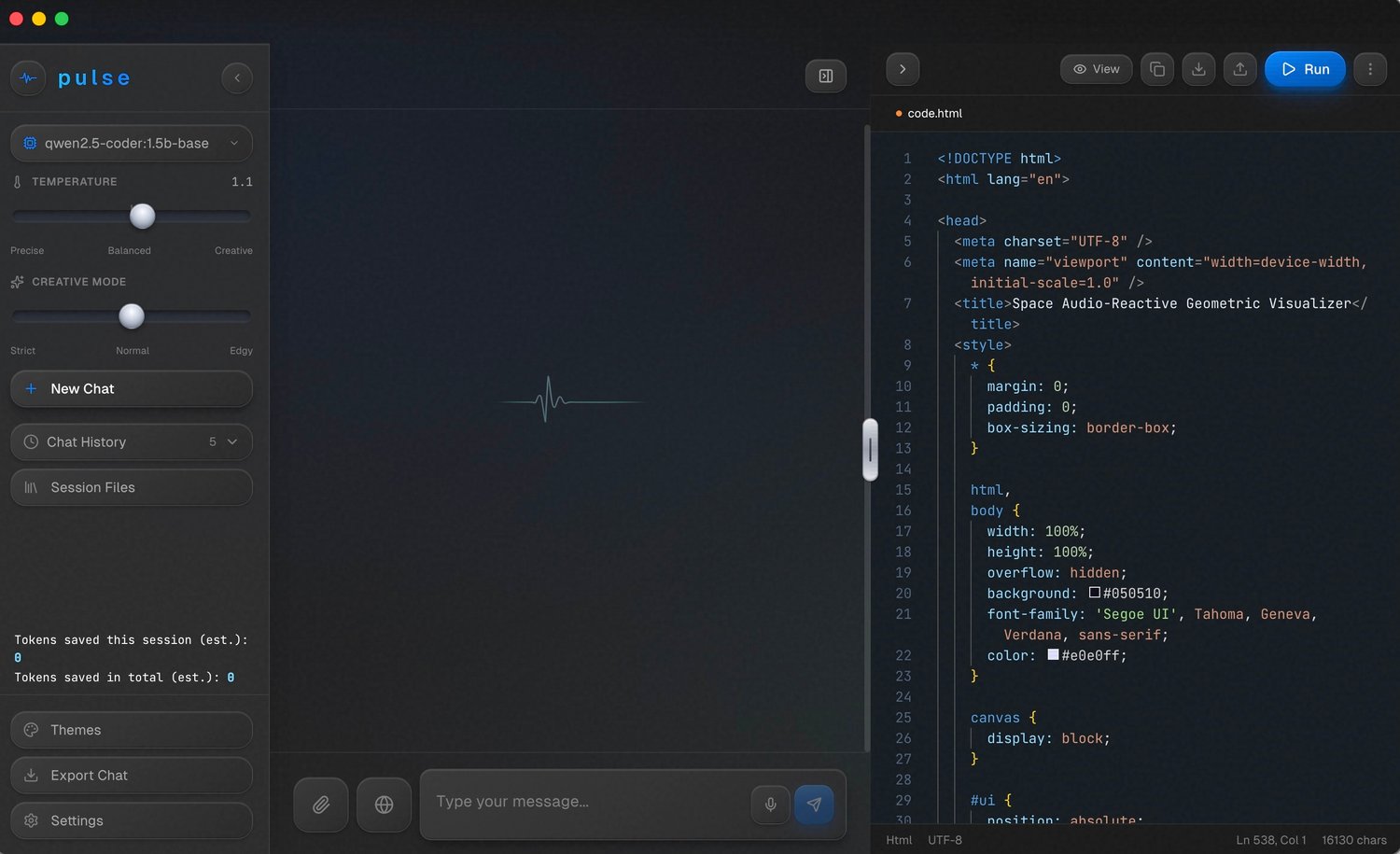
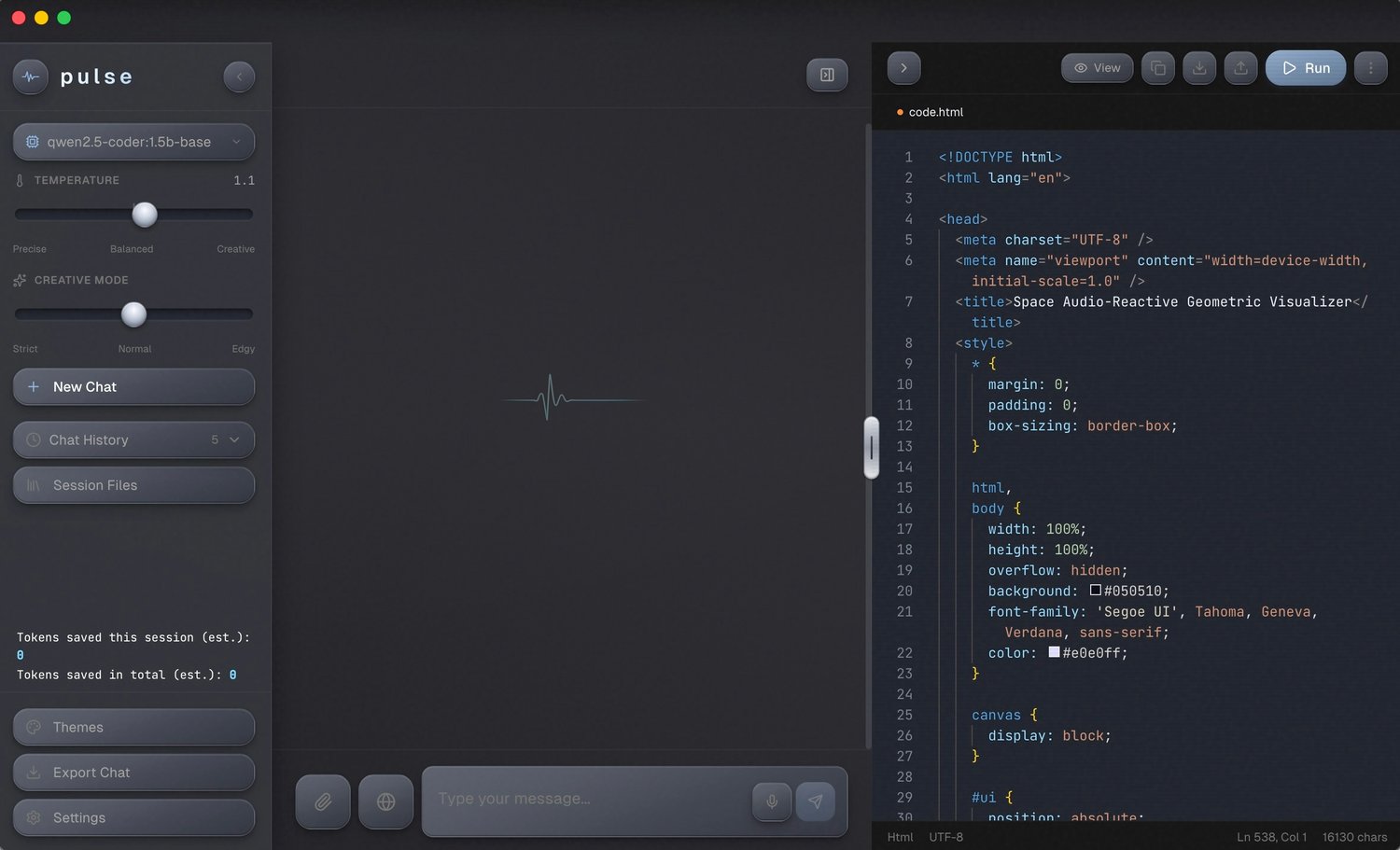
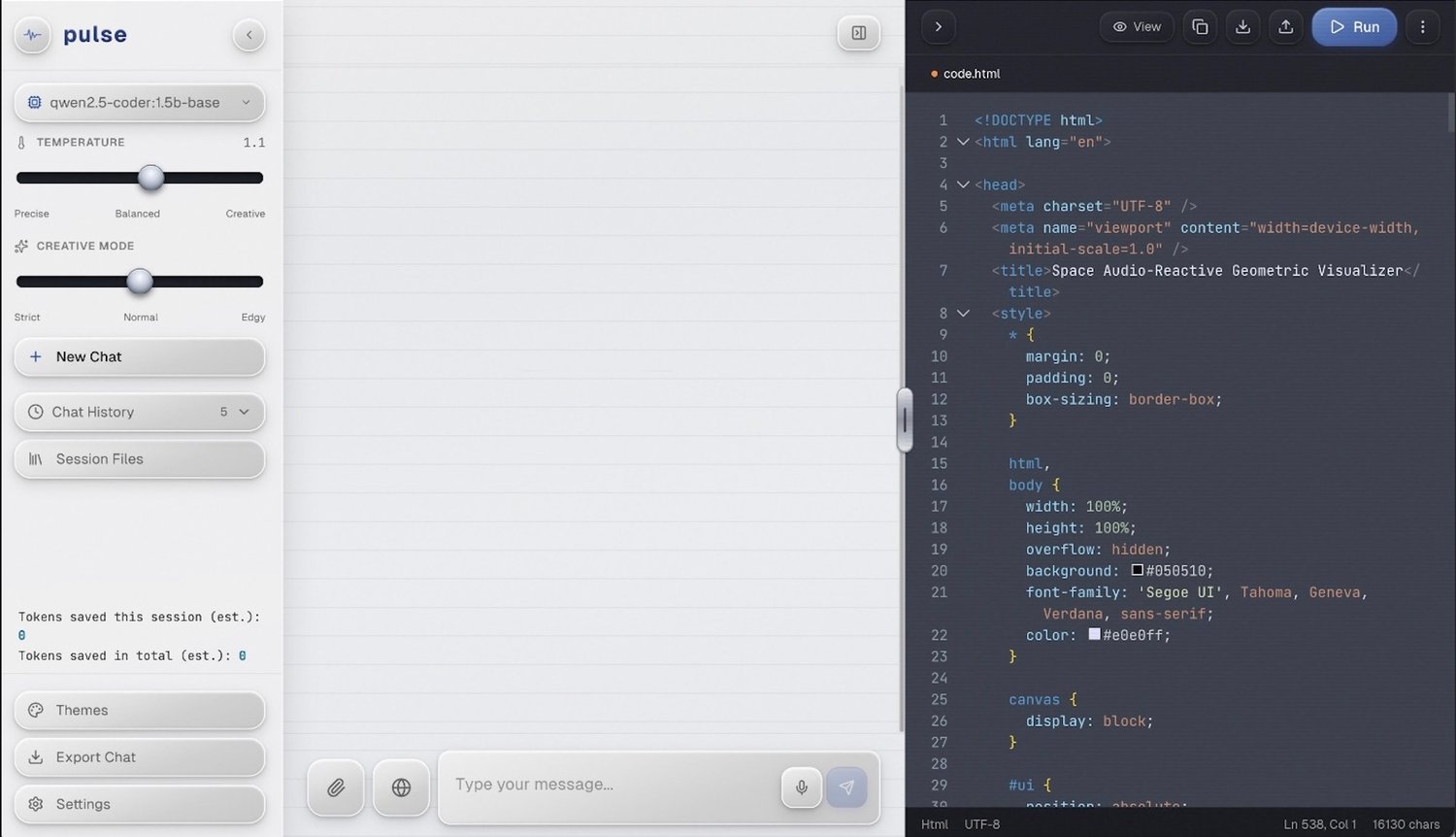
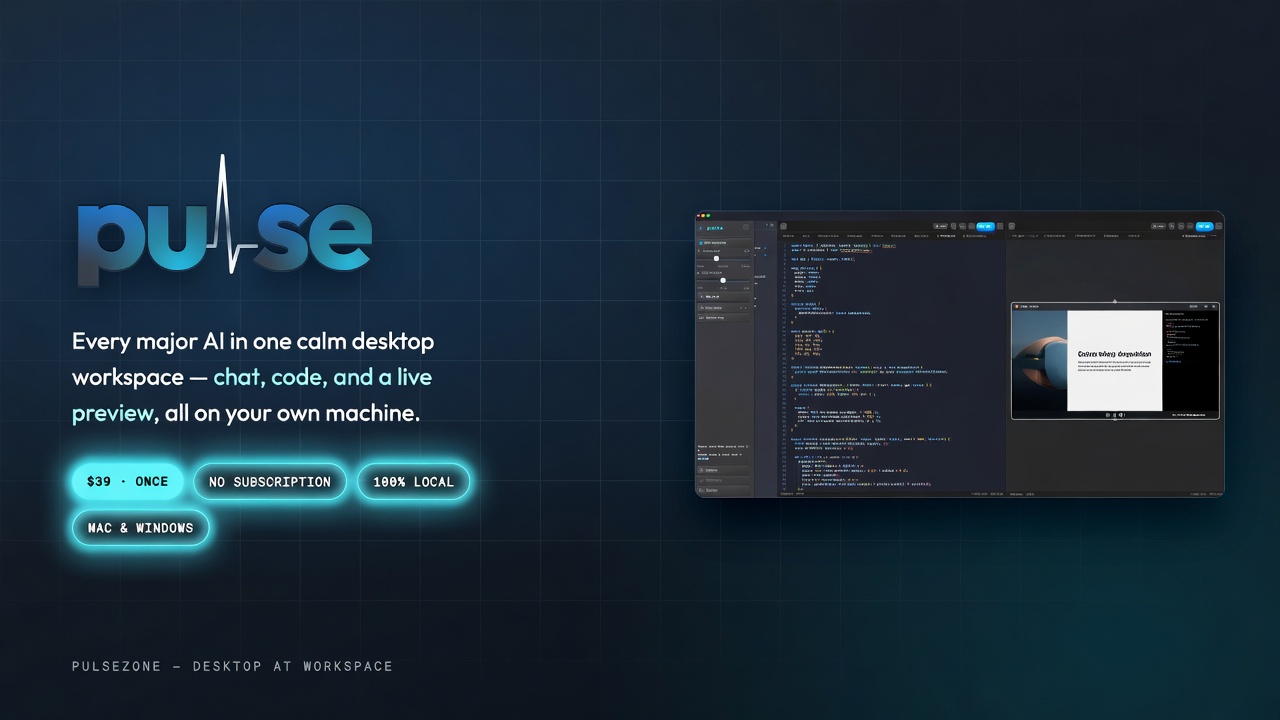
Build a web idea, test a component or explore a new interface in one focused desktop workspace. Keep AI chat, your code and live preview together. Choose your provider, point to what you want changed, and keep building.
Build without the setup detour
• Chat, code and live preview: create a web page or component and see the result beside the conversation.
• Point and edit: select elements in the preview, add notes and ask AI to update the code.
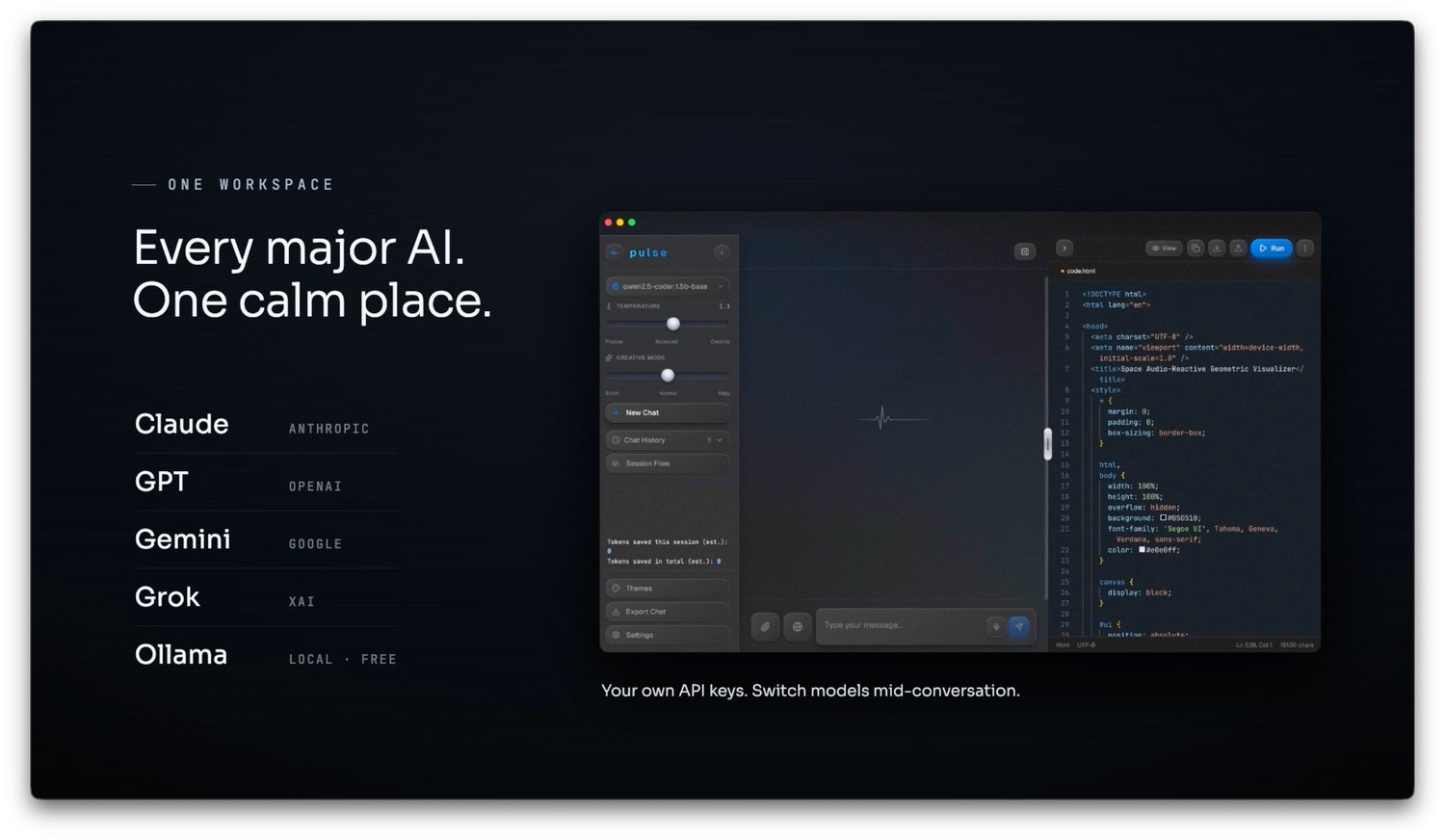
• Your choice of AI: use your own API key with Claude, GPT, Gemini or Grok, or connect compatible local models through Ollama.
• Optional local voice: download voice components through Pulse and let it handle their configuration.
• Visible AI usage: token tracking, context optimization and optional smart routing help manage usage. Savings vary by task, model and provider.
• One focused workspace: no MCP servers, plugin marketplace or skills to assemble for the core workflow.
Made for your next idea
For developers testing a component, designers exploring an interface, curious makers prototyping a page and people learning by building. Open a place to experiment, keep your AI and preview together, and focus on the result.
One-time software purchase. No Pulse subscription. Bring your own keys; cloud AI usage is billed separately. Compatible local models require Ollama setup and suitable hardware. Your workspace files stay on your computer; cloud requests send prompts and included context to your chosen provider.
What you get
• Pulse for Mac (Apple Silicon and Intel) and Windows
• One license key
• Free updates
Good to know
Pulse connects to AI providers with your own API key. Their usage is billed by the provider and isn’t included in the price. Prefer free? Use Ollama to run local models (needs installing and a capable computer).
Requirements
• Mac: macOS 13 Ventura or newer, Apple Silicon (M1–M4) or Intel
• Windows: Windows 10 or 11 (64-bit)
• About 1.5 GB of free space
• Current version: 2.1 (October 2026)
Download & install
• Mac with an M1, M2, M3 or M4 chip → Pulse-Mac-AppleSilicon.zip
• Older Intel Mac → Pulse-Mac-Intel.zip
• Windows PC → Pulse-Windows.zip
Unzip the download, run the installer and enter your license key when Pulse asks for it.
First launch
• Mac: drag Pulse into Applications and open it. If macOS says it can’t check the app, click Done, then go to System Settings → Privacy & Security, scroll down and click Open Anyway.
• Windows: if you see “Windows protected your PC”, click More info → Run anyway.
Questions or installation help: audiodesign.gcc@gmail.com